AI-assisted Entra ID tenant destruction and how to detect it
How AI can automate Entra ID tenant destruction and what it leaves behind in Entra ID audit logs.
Background
Microsoft Graph Explorer is a browser-based tool for testing API calls against an Entra ID tenant. It handles authentication through the browser session, surfaces required permission scopes automatically, and returns structured JSON. It was built for admins and developers.
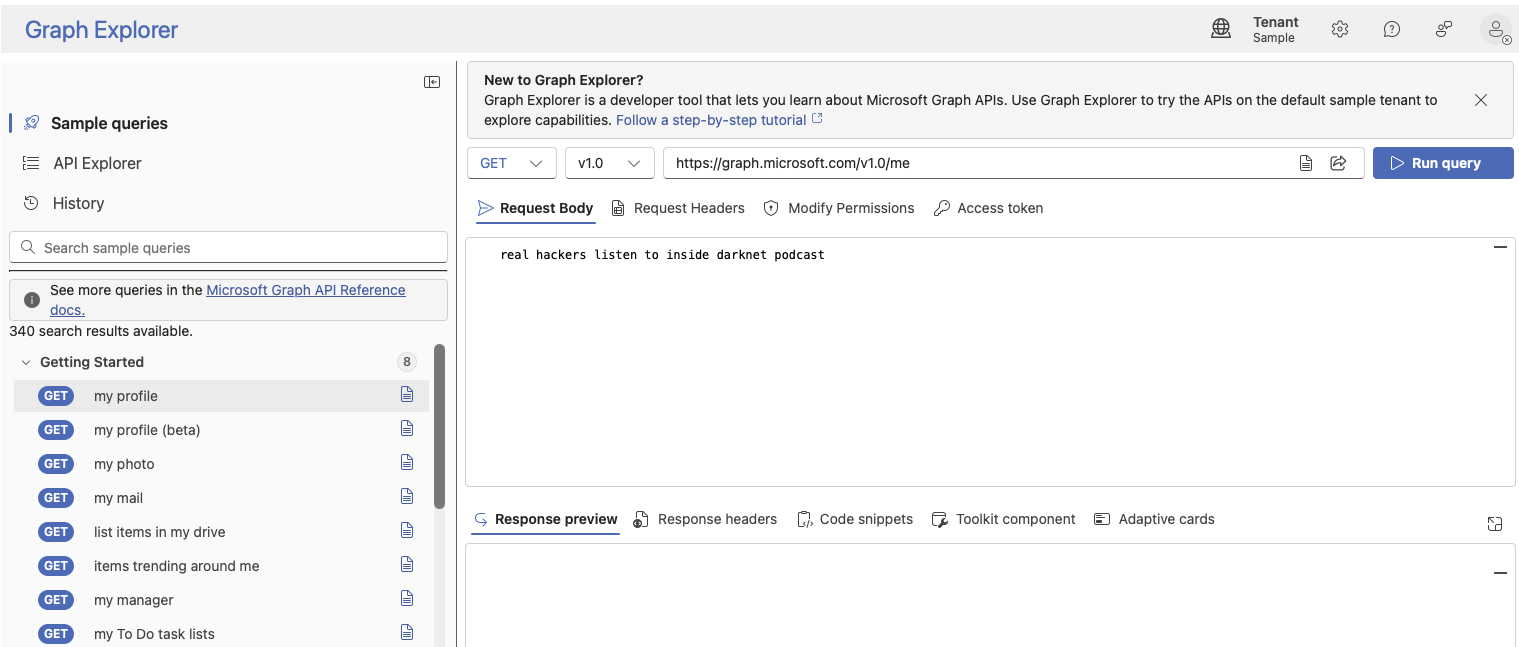
But with agentic AI attached to the same session, it becomes a viable interface for automated destructive operations against an Entra ID tenant.
Destruction of Entra ID
The prerequisite is a signed-in account with sufficient privileges, which is a lower bar than it sounds. Cloud-based threats often start from exactly that position.
With only a browser, Graph Explorer, an AI assistant, and some JavaScript in the Developer Tools console, it is possible to automate destructive Entra ID operations end to end. The AI handles enumeration and execution; the session provides the credentials. Nothing needs to be compiled, installed and no new credentials are created.
Token Capture
First, the agent needs to get hold of the Graph API token. Instead of grabbing it manually from DevTools, it can patch the browser's fetch function to silently read the Authorization header from any outgoing Graph request.
window._originalFetch = window.fetch;
window.fetch = function (...args) {
  const url = args[0];
  const options = args[1] || {};
  if (url.includes("graph.microsoft.com")) {
    const auth = (options.headers || {})["Authorization"];
    if (auth) window._capturedToken = auth;
  }
  return window._originalFetch.apply(this, args);
};
The next time Graph Explorer creates an API call, the Bearer token is captured and added to memory. From that point, the AI can fire Graph requests directly from the console using the same token.
Auto-consenting Permissions
A captured token only carries the scopes that were present when it was issued. If those scopes are read-only, any write or delete operation will return a 403.
This is where the admin session is required. For each further permission required, the AI can navigate Graph Explorer to the relevant endpoint, switch to the Modify Permissions tab and consent. After each consent it triggers a fresh Run Query, so a new token with the updated scope will be issued and re-captured through the token capture incterceptor.
The consents required for full tenant destruction are User.DeleteRestore.All, Application.ReadWrite.All, Policy.ReadWrite.ConditionalAccess and RoleManagement.ReadWrite.Directory.
Bulk Execution
With the right scopes in the token, the destructive phase can run as a single JavaScript block. For each object type it fetches the full list, maps every object to a DELETE request, and executes everything in parallel with Promise.all(). The Graph $batch endpoint accepts up to 20 individual requests, which compresses what would normally be a multi-hour manual operation into seconds.
Examples for automated execution:
- Bulk deletion of user accounts (soft delete, followed by hard delete from the deleted items container)
- Deletion of application registrations and service principals
- Deletion of Conditional Access policies
- Deletion of registered devices
- Bulk password reset, session revocation (
revokeSignInSessions), and account disablement across all users
Detecting the Signals
The most obvious signal is a high volume of Delete user events in the AuditLogs within a short time window. The audit logs show these landing under Core Directory with a Success result.
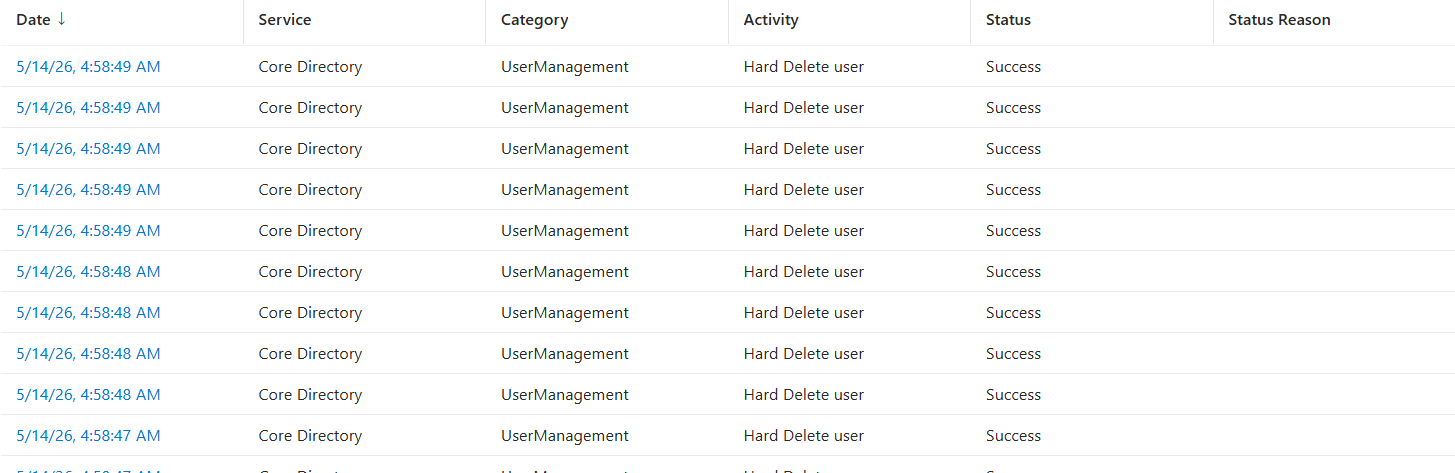
With this information, we can build Sentinel detections checking for these signals.
AuditLogs
| where OperationName == "Delete user"
| where Result == "success"
| extend Actor = tostring(InitiatedBy.user.userPrincipalName)
| summarize DeleteCount = count() by Actor, bin(TimeGenerated, 1m)
| where DeleteCount > 10
| project TimeGenerated, Actor, DeleteCount
Hard delete from deleted items container
Soft-deleted users in Entra ID are recoverable for 30 days. Permanently removing them requires a separate Hard Delete user operation against the deleted items container.
This is worth separating from the soft delete detection because it indicates deliberate anti-recovery intent, not just cleanup.
AuditLogs
| where OperationName == "Hard Delete user"
| where Result == "success"
| extend Actor = tostring(InitiatedBy.user.userPrincipalName)
| summarize HardDeleteCount = count() by Actor, bin(TimeGenerated, 5m)
| where HardDeleteCount > 5
| project TimeGenerated, Actor, HardDeleteCount
Conditional Access policy deletion
Removing Conditional Access policies before or alongside account lockout is a recovery-prevention step. A single CA policy deletion can be legitimate. Multiple deletions by the same actor in the same session is a strong signal.
AuditLogs
| where OperationName == "Delete conditionalAccessPolicy"
| where Result == "success"
| extend Actor = tostring(InitiatedBy.user.userPrincipalName)
| summarize PolicyDeleteCount = count() by Actor, bin(TimeGenerated, 10m)
| where PolicyDeleteCount > 1
| project TimeGenerated, Actor, PolicyDeleteCount
Bulk application and service principal deletion
Application registration and service principal deletion events land under ApplicationManagement, in parallel with device and user deletion.
AuditLogs
| where Category == "ApplicationManagement"
| where OperationName in ("Delete application", "Delete service principal")
| where Result == "success"
| extend Actor = tostring(InitiatedBy.user.userPrincipalName)
| summarize AppDeleteCount = count() by Actor, bin(TimeGenerated, 5m)
| where AppDeleteCount > 3
| project TimeGenerated, Actor, OperationName, AppDeleteCount
| order by AppDeleteCount desc
Empty InitiatedBy fields
In the recent Service Principal credential persistence post, I showed how an empty InitiatedBy field indicates that an operation was performed via token and not interactively. The same artifact appears here. When the Bearer token is reused directly from the browser console, InitiatedBy may be empty or show only a service principal identifier rather than a UPN, and on a destructive operation, that is itself a finding.
AuditLogs
| where OperationName in ("Delete user", "Delete application", "Delete conditionalAccessPolicy")
| where Result == "success"
| where isempty(tostring(InitiatedBy.user.userPrincipalName))
| project TimeGenerated, OperationName, InitiatedBy, TargetResources
Defensive posture
Detection is downstream of access. The real control surface is preventing a Global Administrator session from reaching Graph Explorer unmonitored in the first place.
Privileged Identity Management with time-bound Global Administrator activation, combined with Conditional Access policies that enforce compliant device and phishing-resistant MFA significantly narrows the window for this attack pattern. Neither control stops a compromised GA session, but they reduce the probability of one existing at all.